
TRADINGVIEW · PINE SCRIPT® V6 · AI ENGINE
Structured Execution
for Pine Signals
Turn your Pine signals into a structured execution strategy with enforced risk and deterministic order handling.
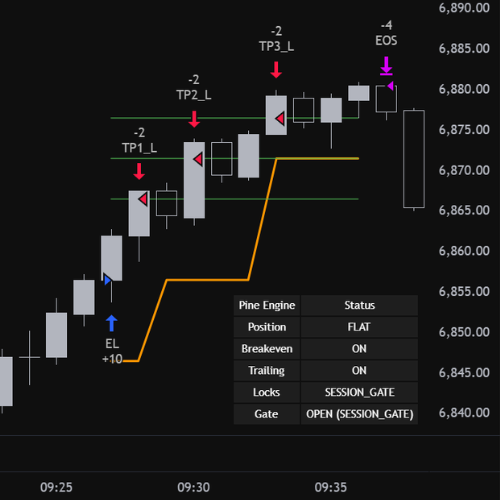
Signals
Preserved
Risk
Enforced
Orders
OCA-safe
Output
Compiles
1Submit Pine Logic
Paste an indicator with clear buy/sell signals, or an existing strategy.
No script yet? Browse TradingView scripts: Buy/Sell | Long/Short
3Generated Strategy Output
Waiting for submission
Validating
Extracting Signals
Compiling Strategy
Reviewing
Delivered
//@version=6
strategy("Pine Engine Strategy Framework", overlay=true, initial_capital=10000, pyramiding=0)

// --- [ PINE ENGINE EXECUTION LAYER ] ---
// This preview shows the structure Pine Engine applies around selected TradingView built-in strategy logic.

// --- Risk Inputs ---
risk_model          = input.string("Percent", "Risk Model", options=["Base Currency", "Percent", "Points", "Ticks", "Pips", "ATR"])
stop_loss_value     = input.float(1.0, "Stop Loss", minval=0.0)
take_profit_1       = input.float(2.0, "Profit Target 1", minval=0.0)
take_profit_2       = input.float(3.0, "Profit Target 2", minval=0.0)
take_profit_3       = input.float(4.0, "Profit Target 3", minval=0.0)

// --- Session Controls ---
start_date          = input.time(timestamp("2026-01-01T00:00:00"), "Start Date")
end_date            = input.time(timestamp("2026-12-31T23:59:00"), "End Date")
session_filter      = input.session("0000-2359", "Session Hours")
trade_direction     = input.string("Long Only", "Allowed Trade Direction", options=["Long Only", "Short Only", "Long & Short"])

// --- Cooldown Controls ---
cooldown_bars       = input.int(1, "Cooldown Bars", minval=0)
skip_after_win      = input.bool(false, "Skip Next Trade After Win")

var int last_trade_bar = na
var bool skip_next_trade = false

in_date_range = time >= start_date and time <= end_date
in_session    = not na(time(timeframe.period, session_filter))
cooldown_ok   = na(last_trade_bar) or bar_index - last_trade_bar > cooldown_bars

// --- Built-in Strategy Signal Placeholder ---
// Pine Engine replaces this section with selected TradingView built-in strategy logic.
long_signal  = ta.crossover(ta.sma(close, 14), ta.sma(close, 28))
short_signal = ta.crossunder(ta.sma(close, 14), ta.sma(close, 28))

allow_long  = trade_direction == "Long Only" or trade_direction == "Long & Short"
allow_short = trade_direction == "Short Only" or trade_direction == "Long & Short"

can_trade = in_date_range and in_session and cooldown_ok and not skip_next_trade

if can_trade and allow_long and long_signal
    strategy.entry("Long", strategy.long)
    last_trade_bar := bar_index

if can_trade and allow_short and short_signal
    strategy.entry("Short", strategy.short)
    last_trade_bar := bar_index

// --- Exits Placeholder ---
// Final generated output applies Pine Engine stop, target, trailing, and risk logic here.
strategy.exit("Long TP/SL", from_entry="Long")
strategy.exit("Short TP/SL", from_entry="Short")

// --- Cooldown State Placeholder ---
if strategy.closedtrades > 0
    last_profit = strategy.closedtrades.profit(strategy.closedtrades - 1)
    skip_next_trade := skip_after_win and last_profit > 0

// --- END OF PINE ENGINE PREVIEW ---
4Backtest & Run
Below is an example of how your optimized strategy will look in TradingView.
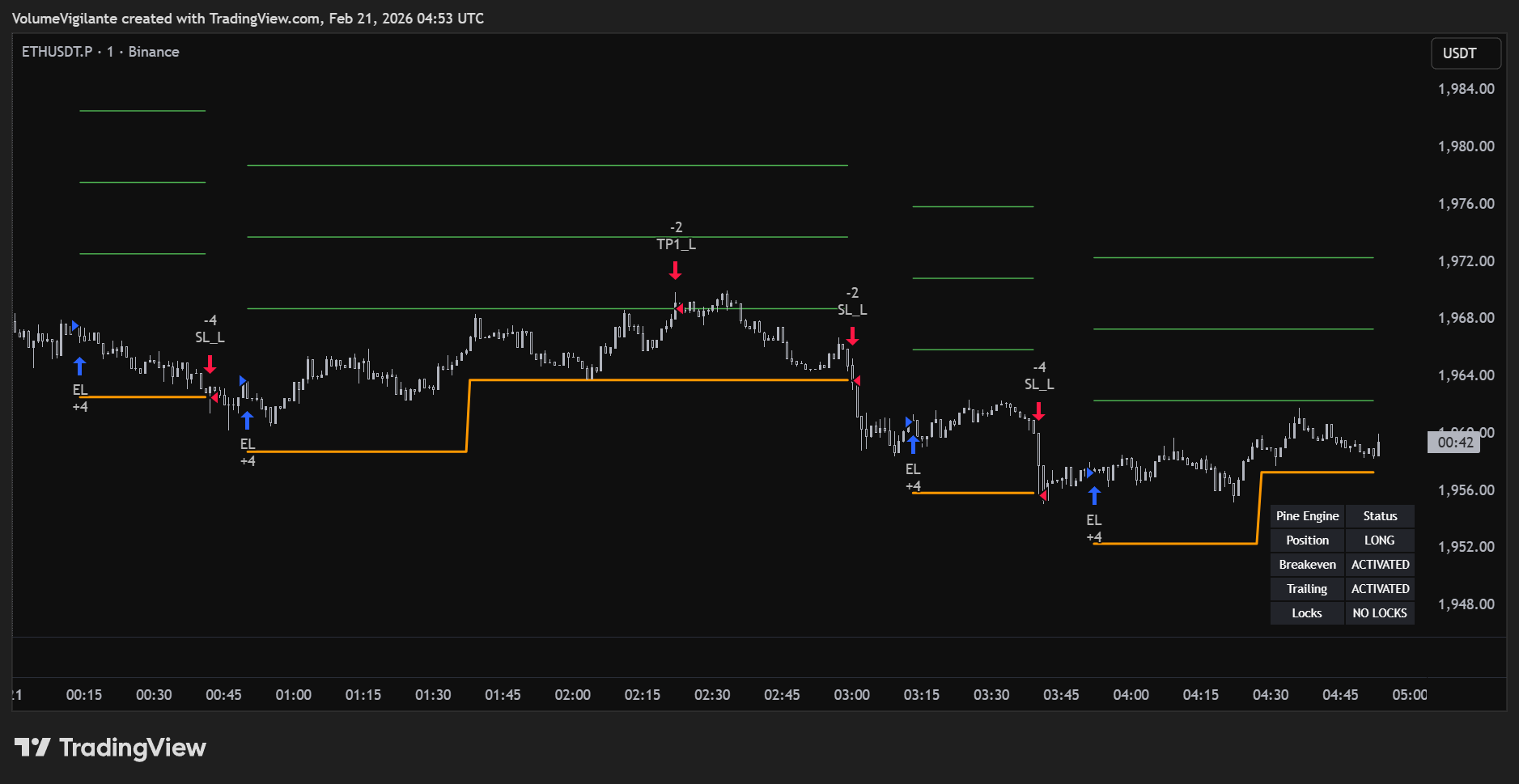
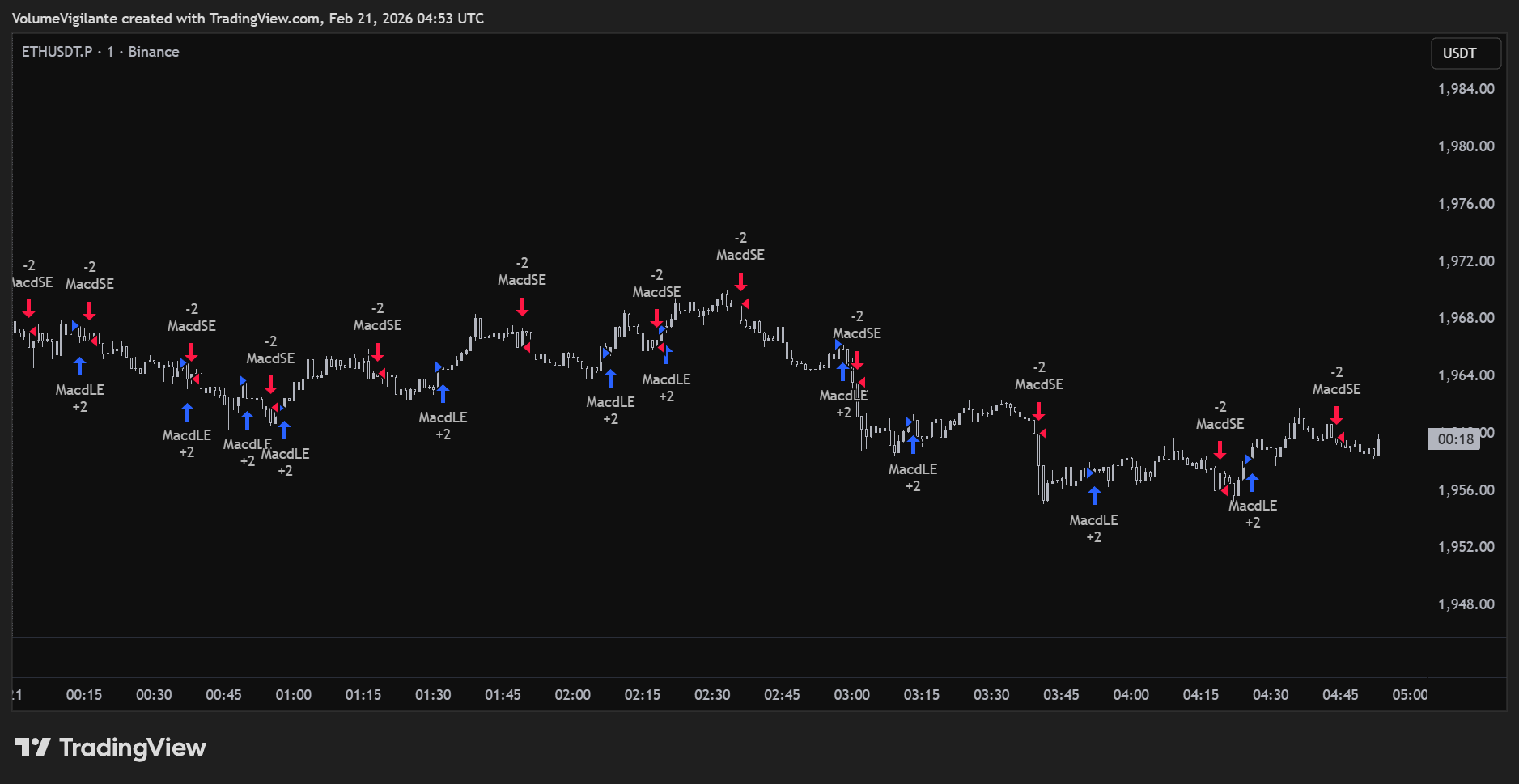
BEFORE
AFTER